
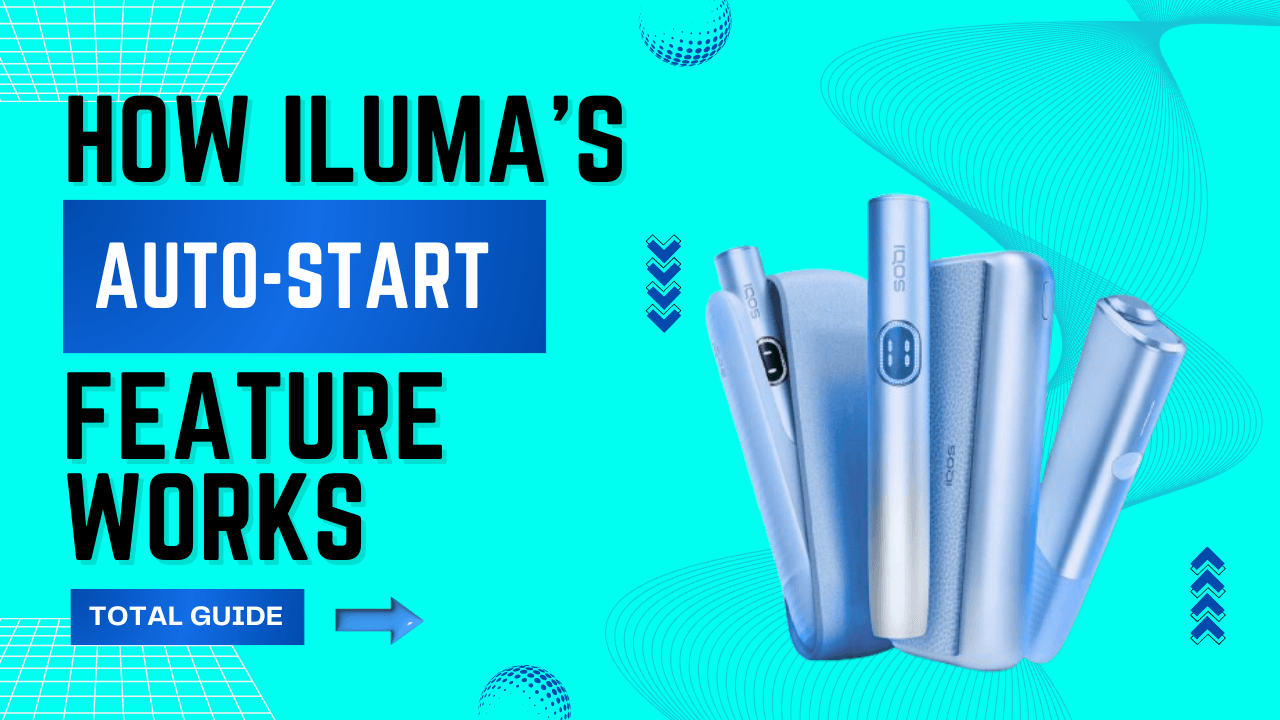
If you’ve been using the IQOS ILUMA in the UAE—whether in Dubai’s fast-paced streets, Abu Dhabi’s office districts, or Sharjah’s late-night cafés—you’ve probably noticed one thing: ILUMA devices are built for convenience. Among all the smart features ILUMA introduced, the Auto-Start function stands out as one of the most subtle yet powerful upgrades.
Instead of pressing buttons or waiting for manual activation, ILUMA can automatically begin heating the moment you insert a TEREA stick ( Any Variants Like Terea Indonesia, Japan or Kazakhstan ). Sounds effortless, right? It is. But like many modern features, Auto-Start isn’t perfect for every situation or every user.
This guide breaks down exactly how Auto-Start works, why UAE users love it, and when you should turn it off for a better experience—especially in our unique climate.
What Is ILUMA’s Auto-Start Feature?
Auto-Start is ILUMA’s way of removing the “start button” from the process. The device relies on internal Smartcore sensors to detect when you’ve inserted a TEREA stick. Once detected, it automatically initiates the heating session—no tapping, no guessing.
This feature is available across:
- IQOS ILUMA Standard kit
- IQOS ILUMA Prime
- IQOS ILUMA One
- IQOS ILUMA i Standard
- IQOS ILUMA i Prime
- IQOS ILUMA i One
It’s one of those upgrades that feels small at first… until you realize how much smoother your daily routine becomes.
How ILUMA Auto-Start Actually Works
Smartcore Stick Detection
Each TEREA stick has a metal-coated Smartcore rod. When this rod enters the ILUMA chamber, the coil senses a change in magnetic and resistance properties. This triggers the automatic heating logic inside the device.
In simple terms:
Stick goes in → Device recognizes it → Heating begins.
Activation & Heating Cycle
Here’s what typically happens:
- Insert a TEREA stick.
- ILUMA’s sensors confirm it’s properly placed.
- The device immediately begins warming.
- A short vibration tells you the cycle has started.
- The LED ring glows as heating progresses.
- Once warm-up is done, you feel another vibration, and it’s ready to use.
Built-In Safety Intelligence
Auto-Start won’t trigger if:
- A stick is inserted incorrectly
- The stick is damaged
- There’s dust or debris blocking sensor contact
- The device is overheated (very relevant in UAE summers)
The system also auto-stops once the session ends, protecting both the user and the holder.
Why Most UAE Users Prefer Auto-Start ON
1. Faster Sessions
In Dubai or Abu Dhabi, where life moves quickly, Auto-Start removes an entire step. You insert, and it’s ready—no fumbling around.
2. More Consistent Heating
Because the device detects the stick at the perfect moment, the heating cycle begins exactly when it should.
3. Ideal for Hot Weather
When it’s 42°C outside and your palms are sweaty, pressing buttons can be annoying. Auto-Start solves that.
4. Perfect for New ILUMA Users
If someone is upgrading from older IQOS generations, Auto-Start makes the transition much smoother.
When You Should Disable Auto-Start
Auto-Start is convenient, but not always ideal. Here’s when UAE users often switch it OFF:
Accidental Activation in Bags or Pockets
If you carry your ILUMA in close spaces—like backpacks, handbags, or tight pockets—a half-inserted stick or pressure point can accidentally trigger heating.
This wastes battery… and sometimes entire sticks.
Saving Battery Life
With Auto-Start ON, simply inserting a stick “just to hold it” will start the heating cycle—even if you had no intention to use it.
Turning Auto-Start OFF keeps the battery from draining unnecessarily.
Sensitive Triggering in Extreme Heat
In cities like Dubai, Abu Dhabi, and Al Ain, outdoor temperatures often pass 40°C. High heat increases sensor sensitivity, and the device may start heating earlier than it should.
Users who work outdoors—delivery riders, desert drivers, construction workers—usually prefer manual control.
Personal Preference
Some long-time IQOS users simply enjoy pressing the button. It gives a sense of control and prevents unintended sessions.
How to Turn Auto-Start ON or OFF
For ILUMA
- Remove the holder from the charger.
- Press and hold the button for a few seconds.
- LEDs will blink—this confirms the Auto-Start toggle.
If the device vibrates when inserting a stick → Auto-Start is ON.
If nothing happens until you press the button → Auto-Start is OFF.
For ILUMA i Series
The i Series uses a more refined internal system:
- Hold the button on the holder.
- Watch for a specific LED pattern (fast double blink).
- That blink confirms Auto-Start has switched modes.
Again, stick insertion behavior will tell you what mode you’re in.
Does Disabling Auto-Start Change the Performance?
Not at all.
Turning off Auto-Start only changes how heating starts.
It doesn’t affect:
- Flavor
- Heating consistency
- Puff count
- Session duration
- Smoothness
In fact, many users notice slightly better battery life with Auto-Start OFF.
Common Auto-Start Issues (UAE Users Report These Often)
Auto-Start Doesn’t Trigger
Possible causes:
- Dirty chamber
- Damaged stick
- Low battery
- Old firmware (ILUMA i Series)
Device Starts Heating Too Early
This happens if:
- The stick is only inserted halfway
- Dust or sand particles are inside the chamber
- The device is overheated from being left in a car
Auto-Start Activates Inside a Bag
The quickest solution?
Simply disable Auto-Start. Or invest in a protective ILUMA case.
Auto-Start vs Manual Start
| Feature | Auto-Start | Manual Start |
| How it works | Starts heating automatically | Starts only when you press the button |
| Convenience | Very convenient | More controlled |
| Accidental heating | Higher risk | Minimal |
| Battery use | Slightly higher | More efficient |
| Best for | Home & office | Outdoors & commuting |
Conclusion:
Use Auto-Start indoors for convenience. Switch to Manual Start outdoors to avoid accidental heating in UAE heat.
Best ILUMA Settings for UAE Climate
- Turn Auto-Start off outdoors to prevent heat-triggered activation.
- Never leave ILUMA in parked cars, as high temperatures cause overheating warnings.
- Charge indoors at normal room temperature for better battery health.
- Store TEREA sticks in cool places to maintain flavor and pull.
- Use a protective case when commuting to reduce pressure on the device.
Expert Tips to Maximize Auto-Start
- Insert the TEREA stick in one smooth, full motion.
- Clean the holder every few days to keep sensors accurate.
- Avoid Auto-Start while walking or driving.
- Keep ILUMA out of tight pockets to prevent accidental heating.
- Let the device rest a few minutes between sessions
- Turn Auto-Start off when storing the device in bags or cars.
How to Get 4 Extra Puffs: The IQOS ILUMA i FlexPuff Feature Explained
Should UAE Users Keep Auto-Start ON or OFF?
Best to Keep It ON if You:
- Like quick, hassle-free sessions
- Mostly use ILUMA indoors (home, office, café)
- Prefer minimal button pressing
- Want consistent heating every time
Best to Turn It OFF if You:
- Carry your device on the go (especially in Dubai, Sharjah, Ajman)
- Work outdoors where heat affects sensors
- Want to extend battery life
- Had accidental heats or wasted sticks before
Final Thoughts
ILUMA’s Auto-Start is one of those features that make the device feel modern, intuitive, and effortless. For most users across the UAE—whether you’re in Dubai Marina, Yas Island, Ajman Corniche, or Fujairah City—it genuinely enhances the experience.
But it’s not one-size-fits-all.
If you’ve been dealing with accidental activations or battery drain, disabling Auto-Start can make your ILUMA feel more under your control. The best part? You can switch between modes any time you want.
FAQ
What does the Auto-Start feature do on IQOS ILUMA?
It automatically starts heating the moment you insert a TEREA stick, without pressing any button.
Does Auto-Start change the flavor or performance?
No, flavor, heating quality, and puff count remain exactly the same.
Why does Auto-Start activate by itself sometimes?
It can trigger from pressure or a half-inserted stick, especially in tight pockets or bags.
How do I turn Auto-Start off?
Remove the holder and hold the button for a few seconds until the LEDs blink.
Can I switch Auto-Start back on later?
Yes, simply repeat the button-hold process to toggle it anytime.
Why isn’t Auto-Start working on my device?
Usually due to dust, a damaged stick, low battery, or the device overheating.
Does Auto-Start drain the battery faster?
Sometimes, because it may heat unintentionally when a stick is inserted for storage.
Is Auto-Start available on all ILUMA models?
Yes, all ILUMA models—including ILUMA i—support Auto-Start.
Should I keep Auto-Start on or off in the UAE?
Keep it ON for indoor use and convenience; turn it OFF to avoid accidental heating on the go.