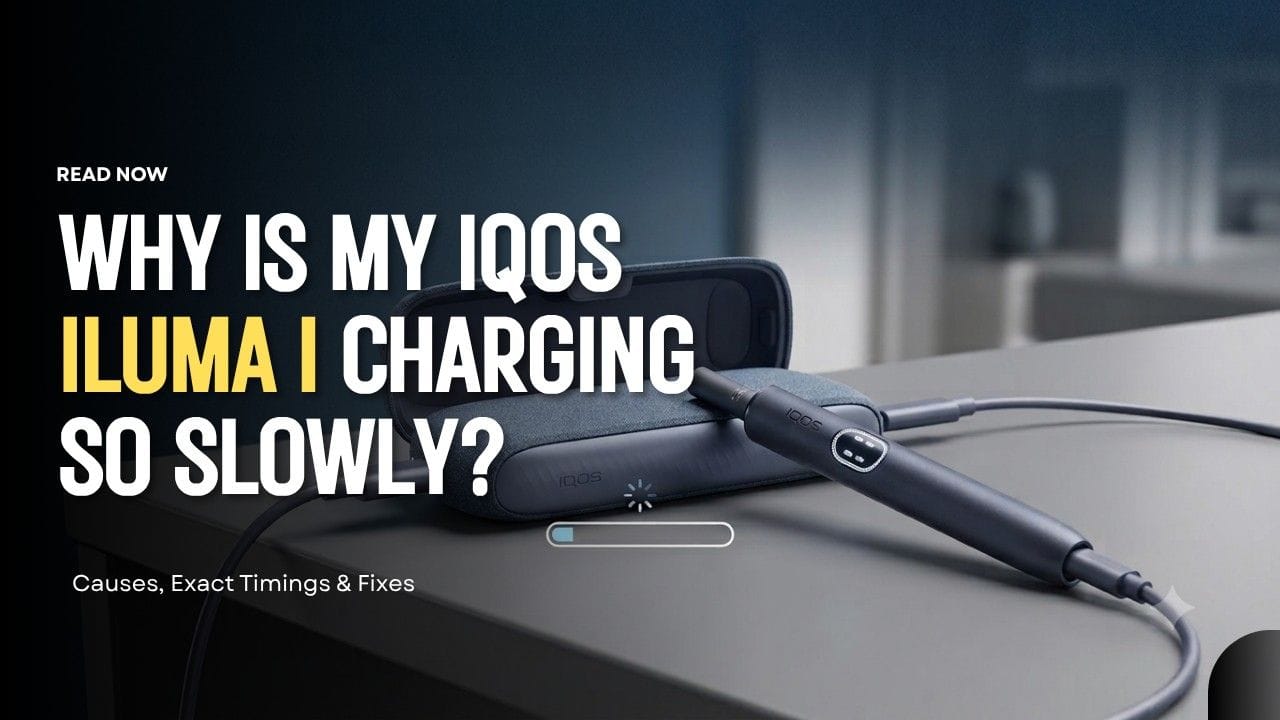
Slow Charging Feels Like a Fault. Usually It Isn’t.
You plug in your ILUMA i, walk away, come back, and it’s still not done. The instinct is to assume something’s wrong. Most of the time, nothing is.
There’s a real difference between battery protection behavior and an actual fault. IQOS ILUMA i manages its charging curve deliberately — it slows itself down on purpose in certain conditions to protect the cell long-term. That’s a different animal from a device that’s genuinely struggling to charge.
The charging philosophy here is also a step beyond older IQOS generations. Older devices charged in a fairly straight line. ILUMA i layers in thermal protection, current requirements, and a feature called FlexBattery that all affect the number you’re staring at on the clock.
Quick takeaway before we get into the detail: most “slow charging” complaints are the system doing exactly what it was built to do, not a device on its way out.
Devices Covered in This Guide
The Standard and Prime share a two-piece Holder-and-Pocket-Charger layout. The i One is a single, all-in-one unit with its own battery. That design difference changes how each one behaves while charging, so keep in mind which device you’re actually troubleshooting.
What “Normal” Charging Time Actually Looks Like
These are the real, official numbers — not estimates.
Pocket Charger (ILUMA i Standard & Prime):
- Full charge from 0–100%: approximately 135 minutes (2 hours 15 minutes)
- This is measured with the correct power adaptor at normal room temperature
IQOS ILUMA i One (all-in-one device):
- Full charge from empty: approximately 90 minutes
- Faster than the two-piece models because there’s a single integrated battery, not a charger-plus-holder system
Holder recharge times inside the Pocket Charger:
- 0 to 1 use: about 1 minute 50 seconds
- 1 to 2 uses: about 3 minutes 25 seconds
- Full recharge, 0 to 2 uses: about 5 minutes 15 seconds
Notice something here: the holder charges fast, but the Pocket Charger itself is what takes the real time. If your holder tops up in under two minutes but your case takes over two hours, that’s completely normal, not a sign of a problem.
The Most Common Reasons Charging Slows Down
Weak Power Sources
ILUMA i needs a 5V / 2A input to charge at its designed rate. That’s the spec IQOS states directly for the Pocket Charger.
Laptop USB ports, airplane USB outlets, and some car chargers don’t reliably deliver that. A lot of them cap out lower, especially older laptop ports. Plug into one of those and the device will still charge — just slower than the 135-minute baseline.
Multi-port wall adapters cause a similar issue. When several devices pull from the same block at once, the current gets split, and your ILUMA i gets less than it needs.
Cable Quality
A worn or cheap USB-C cable adds resistance to the circuit. The device looks like it’s charging — the light’s on — but the actual current getting through is lower than it should be. This is one of the most overlooked causes of “slow but not broken” charging.
Charging While the Device Is Hot
UAE ambient heat plus a device that’s just finished a session is a common combination here. Devices generally throttle charging speed when they’re above their safe operating temperature, and IQOS confirms ILUMA i’s operating range sits between 0°C and 40°C. Plug in a hot device straight after use and don’t be surprised if it takes longer than usual to pick up charge.
Explore easy setup steps in the guide on how to begin using your IQOS device
FlexBattery Mode: The Hidden Reason Charging Looks “Stuck”
This one trips up a lot of people who don’t know it exists.
FlexBattery gives you two modes:
- Performance Mode — prioritizes getting you more consecutive uses per charge
- Eco Mode — intentionally limits how the battery cycles to protect its long-term lifespan
If you’re in Eco Mode and the holder charging seems to pause or cap out earlier than you expect, that’s not a malfunction. It’s the system deliberately holding back to preserve battery health over the long run. It looks broken. It isn’t.
Model-Specific Charging Behavior
- ILUMA i Standard & i Prime: The Pocket Charger manages the whole system’s power balance, so holder charging can pause briefly while the case stabilizes its own output. If the holder isn’t seated correctly inside the charger, recovery slows down too — always check it’s fully inserted.
- IQOS ILUMA i One: Because everything is in a single unit, using the device mid-charge interrupts the charging logic and effectively restarts the curve. If you’re in a hurry, let it charge uninterrupted rather than pulling it out for a quick session partway through.
UAE-Specific Charging Killers
- Heat protection. When ambient temperature climbs above the device’s safe range, charging can slow dramatically or pause until things cool down. This isn’t unique to IQOS — it’s standard lithium battery behavior — but Dubai summers push devices into that territory more often than most climates.
- Desert dust on the contacts. UAE’s fine, silica-heavy dust settles into small gaps more aggressively than typical dust. A film on the charging contacts is enough to weaken the connection between Holder and Pocket Charger, and IQOS’s own support guidance points to contact cleaning as the standard fix when a holder charges slowly.
Fixes That Actually Restore Normal Speed
- Use a single-port wall adapter rated for 10–12W
- Skip shared USB hubs or multi-device chargers
- Let the device cool for 10–15 minutes before plugging it in after a session
- Clean the charging contacts with a dry cotton swab only — never anything liquid
- Replace an old or uncertified USB-C cable
How to Charge It Correctly
Keep it simple: charge daily rather than waiting for a full drain-to-empty cycle. You don’t need to remove the holder between top-ups, and there’s no harm in overnight charging — the system is built to stop pulling current once it’s full. What actually causes problems is inconsistent partial-charge habits combined with heat exposure, not the charging routine itself.
Signs Your Battery Is Actually Healthy
Even if charging feels slow, these signs mean nothing’s wrong:
- A full charge still completes inside the expected time window
- Performance is stable once it’s charged
- No flashing error lights
- Normal heat levels during regular use
When Slow Charging Is a Real Problem
Pay attention if you’re seeing:
- The charger repeatedly failing to detect the holder
- Charging taking well beyond 4 hours with a correct power source
- The battery draining unusually fast after a full charge
- Repeated thermal shutdowns even in normal conditions
Any of these, especially in combination, points to something beyond normal protective behavior.
Pros and Cons of the Charging Architecture
Pros:
- Smart cell preservation once the battery crosses roughly 80%
- Over-voltage protection against high-wattage chargers
- Reduced long-term battery degradation compared to a simple, unmanaged charge curve
Cons:
- Little tolerance for weak or shared power sources
- High sensitivity to heat and dust, which matters more here than in cooler climates
- Slower top-off charging is a built-in trade-off, not a bug
FAQs
Why does the light blink yellow when I plug it in?
Three yellow flashes on the light strip mean the battery is low and charging is starting from a discharged state. That’s expected behavior, not an error.
Can I use my iPhone fast charger?
Yes, the wall plug itself is safe to use. Charging still won’t beat the standard 135-minute window regardless of the adapter’s wattage, since the device controls its own intake. Just avoid uncertified cables.
Why does charging pause even though the battery isn’t full?
FlexBattery’s Eco Mode may be active, intentionally capping how the holder charges to protect the battery long-term.
Is slow charging bad for my device?
No. In most cases it’s the opposite — it’s protecting the battery chemistry and extending how long the device lasts overall.
Warranty Support in the UAE
If you bought your device from an authorized retailer and you’re seeing persistent charging failure despite using the correct power input, or the battery genuinely won’t hold a charge anymore, that’s worth raising with support rather than living with it. Keep your purchase details on hand, since coverage expectations depend on where and when the device was bought.
If you’re shopping for a genuine IQOS ILUMA i kit, spare Pocket Charger, or fresh TEREA flavors to go with it, the Rpods Dubai store carries authentic stock with clear charging specs listed per model, so you know exactly what you’re buying before it arrives.
Find out how to avoid errors as a newcomer in this piece on common ILUMA buying mistakes.
Conclusion
Slow charging on the ILUMA i is almost always protective logic at work, not a device heading toward failure. The exact power source matters more than which brand of charger you’re using. FlexBattery and thermal safeguards explain most of the confusion people run into. Once you understand how the system is actually designed to behave, you stop chasing a problem that was never really there — and you save yourself an unnecessary replacement.